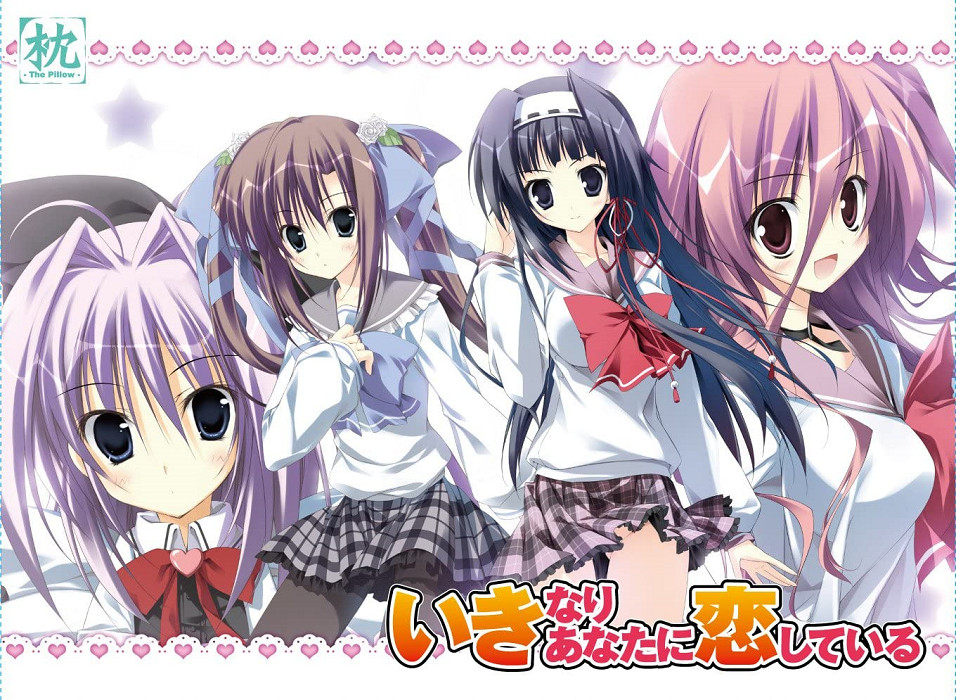
Ate the Moon Translations - Ikinari Anata ni Koishiteiru (eng) - Adult Sex Game
Important:
You need to change system locale to Japanese.
Installing:
Run bootmenu.exe and click the first button.
Then click “next” and uncheck all boxes. (You don’t need to install the whole game, but you can do it if you want. If you install the whole game, you’ll have to apply the English patch manually from the translator’s site or just copy the files from the game folder.)
Then click “next” > “next” > “next” > “finish”.
Game files will be installed in C:\枕\いきなりあなたに恋している All you need in this directory is the file “key.dat”.
Copy key.dat in the game folder(“Ikinari Anata ni Koishiteiru”)
After copying the file “key.dat” you can uninstall if you want.
Install ikikoi_custom font in folder “Font” and start the game with cs2.exe(the exe file in folder “Ikinari Anata ni Koishiteiru”, not the one in folder “C:\枕\いきなりあなたに恋している”)
!!! In short, you just need to install with the minimum files required(less than 20MB), then move/copy the file “key.dat” from folder “C:\枕\いきなりあなたに恋している” to the game folder(the one you download). /You’ll have to do it again if you move the game folder to another PC./
You need to change system locale to Japanese.
Installing:
Run bootmenu.exe and click the first button.
Then click “next” and uncheck all boxes. (You don’t need to install the whole game, but you can do it if you want. If you install the whole game, you’ll have to apply the English patch manually from the translator’s site or just copy the files from the game folder.)
Then click “next” > “next” > “next” > “finish”.
Game files will be installed in C:\枕\いきなりあなたに恋している All you need in this directory is the file “key.dat”.
Copy key.dat in the game folder(“Ikinari Anata ni Koishiteiru”)
After copying the file “key.dat” you can uninstall if you want.
Install ikikoi_custom font in folder “Font” and start the game with cs2.exe(the exe file in folder “Ikinari Anata ni Koishiteiru”, not the one in folder “C:\枕\いきなりあなたに恋している”)
!!! In short, you just need to install with the minimum files required(less than 20MB), then move/copy the file “key.dat” from folder “C:\枕\いきなりあなたに恋している” to the game folder(the one you download). /You’ll have to do it again if you move the game folder to another PC./
Explore Adult Game and related interactive adult games:
Preview Ate the Moon Translations - Ikinari Anata ni Koishiteiru (eng) Gameplay Gallery


Save & Bookmark
this game archive for version updates and patches.
Similar Adult Games
Users of Guest are not allowed to comment this publication.

1 Player Comments